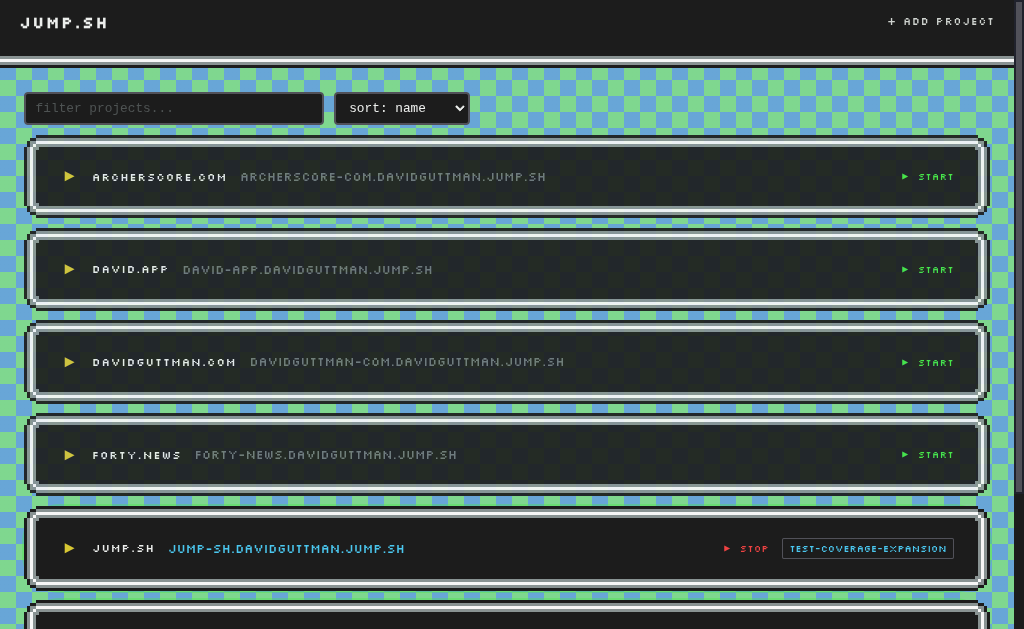
Local dev servers with real HTTPS URLs
No port hunting. No cert wrangling. No DNS config.
Every project gets a stable https://yourapp.jump.sh URL that just works.
https://myapp--feature-x.jump.sh.npx jump.sh server
# open https://dash.jump.sh in your browser
# add your project in the dashboardRun in the foreground to try it out. When you're ready, jump.sh install runs it as a background service.
Coding agents need stable URLs to verify their work.
jump.sh gives every project a permanent https:// URL that agents can
screenshot, test, and hit from any tool — no port discovery or manual setup.
Docker Compose — detects docker-compose.yml, spins up containers, proxies to them.
Node.js — detects package.json, runs your dev command, proxies to the dev server.
Ports are allocated automatically from a dedicated range — no conflicts across projects.
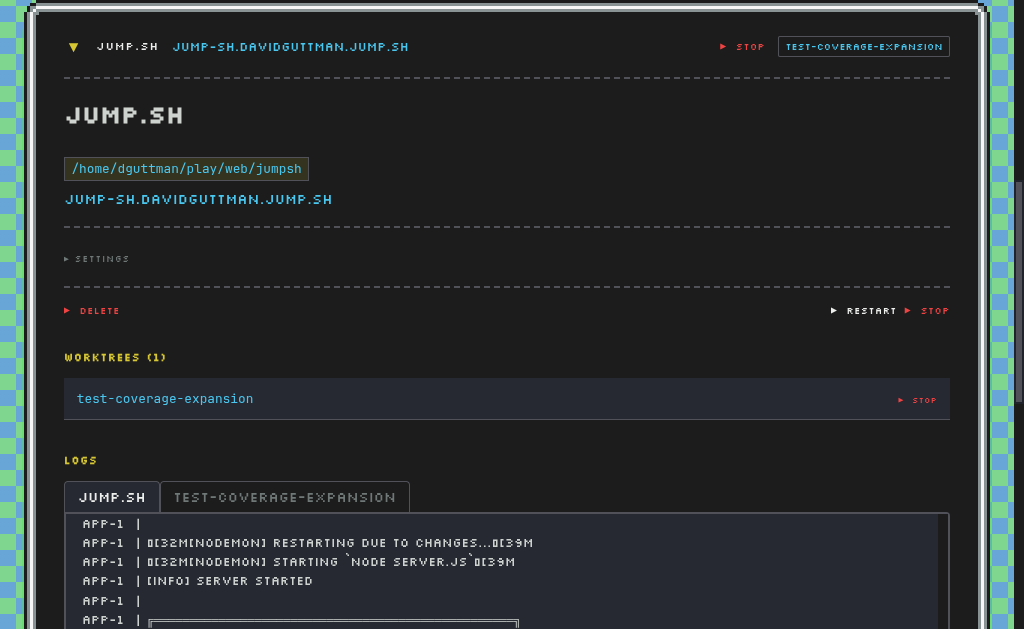
Working on multiple branches? jump.sh auto-discovers .worktrees/ directories
and gives each branch its own URL:
https://myapp.jump.sh           → main branch
https://myapp--feature-x.jump.sh → .worktrees/feature-x
Run jump.sh add on the main project once. Worktrees are picked up automatically
via periodic scanning — no need to register each branch.
Agents working on feature branches can verify changes at the branch-specific URL without interfering with main.
jump.sh — Open dashboard (or start server if not running)jump.sh server — Run daemon in foreground (for dev/debugging)jump.sh open / jump.sh dashboard — Open the dashboard in your browserjump.sh install — Install daemon service + download certsjump.sh uninstall — Remove daemon servicejump.sh ls — List projects with statusjump.sh logs [name] — Tail project logsjump.sh register — Register via GitHub SSH key (provisions *.you.jump.sh)jump.sh status — Show daemon and domain statusjump.sh dashboard add — Add current directory as a project
jump.sh register provisions a subdomain tied to your GitHub username
(e.g., *.you.jump.sh) that resolves to your Tailscale IP.
Access your dev URLs from any device on the same tailnet — your phone, a
colleague's laptop, or a CI runner — no port forwarding or public exposure required.
*.jump.sh resolves to 127.0.0.1 via public DNS — no local DNS setup needed.
The daemon runs on your machine, terminates TLS with a shared wildcard certificate,
and proxies requests to your dev servers based on subdomain.
Browser → https://myapp.jump.sh
       → DNS: 127.0.0.1
       → jump.sh daemon (TLS termination)
       → localhost:10042 (your dev server)